Additions


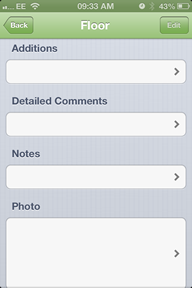
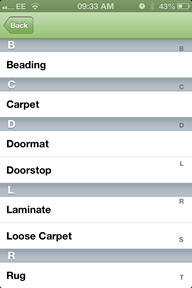
The additions section is for adding item such as a doormat, doorstep or loose carpet.
To do this press the white box that is labelled additions and a new screen will appear that looks like this.
When you select the additional items a small blue tick will appear next to them
once all the items have been selected then press back on the top left.
Created with the Personal Edition of HelpNDoc: Easily create iPhone documentation